
For the month of February, I decided to do some more watercolour painting. There’s lots of tutorials online for loose watercolour roses, so I thought I’d give it a try and then use my new skill to create a front cover. I searched for easy and beginner tutorials but I used more than ten A5 sheets of watercolour paper developing my technique so it definately wasn’t a breeze for me and my perfectionist self!
For the rest of my spreads I made stickers using my Cricut Joy Xtra. I would love to turn my watercolour images into stickers but I’m not sure how easy it is to do, so, for now, I’m just using pictures from Cricut Design Studio which I subscribe to. I hope you like my finished pages and I look forward to seeing everyone else’s themes and approaches on WordPress, YouTube and Instagram.
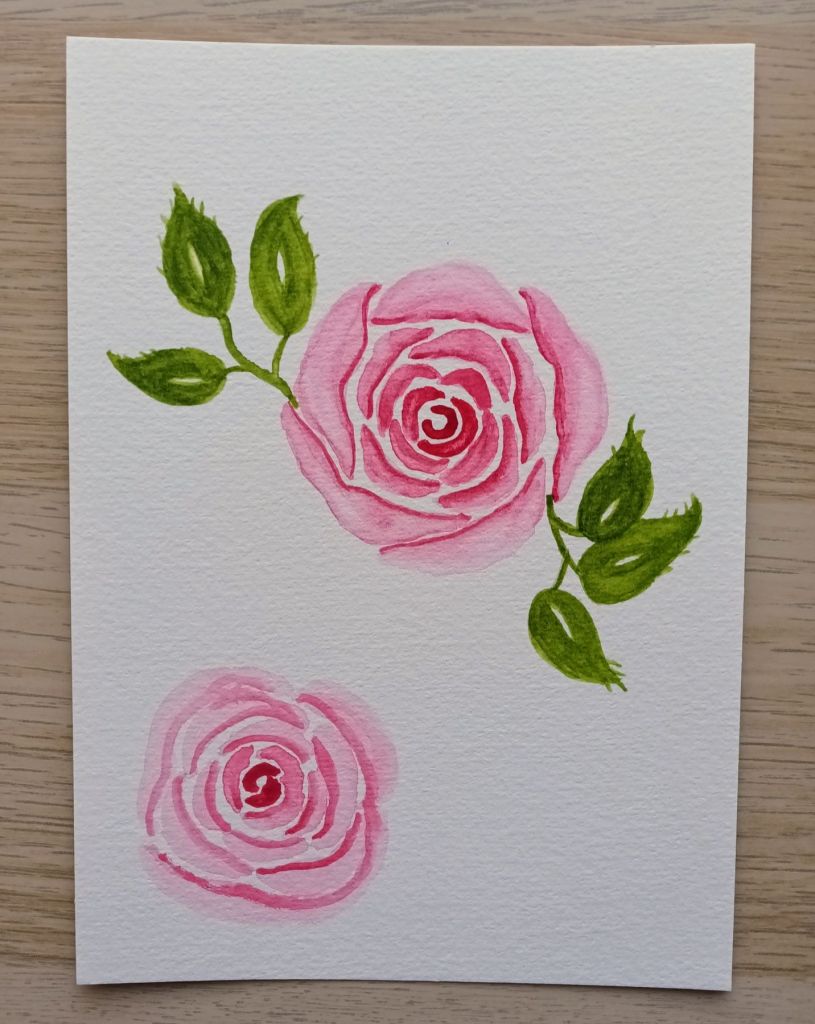
Watercolour rose
My intention for the front cover was to paint three roses in different colours – pink, red and peach, and add leaves. However, every time I attempted the final piece, I would create two lovely roses that I was happy with and one which went completely wrong! In the end, I decided to do just one rose to place in the centre of my page. In a bid to save watercolour paper, I used a piece that I’d already practised on. Unfortunately, I didn’t watch where I was putting the leaves and had to fix my mistake with a carefully placed title on my cover page as you will see shortly!
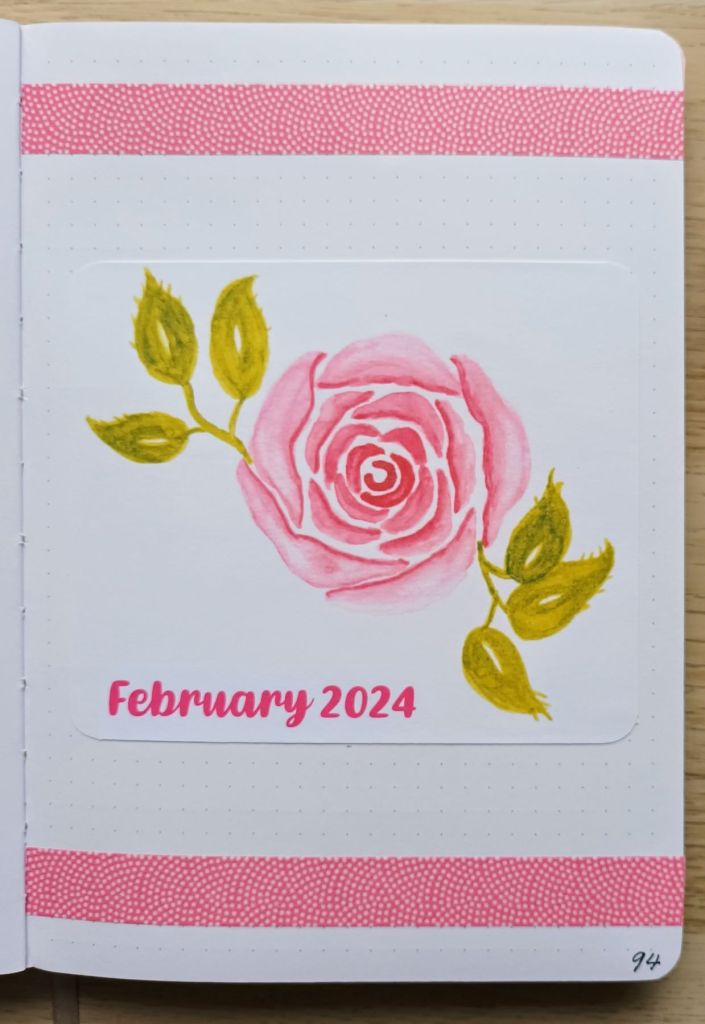
Front cover
After my painting session, I scanned my artwork and printed it using my Canon Pixma printer. The colours aren’t quite the same but they look okay. I added the image to a page in MS Publisher and hid the top part of the other rose by adding a title using a text box with white background. As I eventually opted for just one rose and some leaf decoration, I had some space at the top and bottom of the page. I found a washi tape that worked perfectly. This one is from MT which are always superb quality.
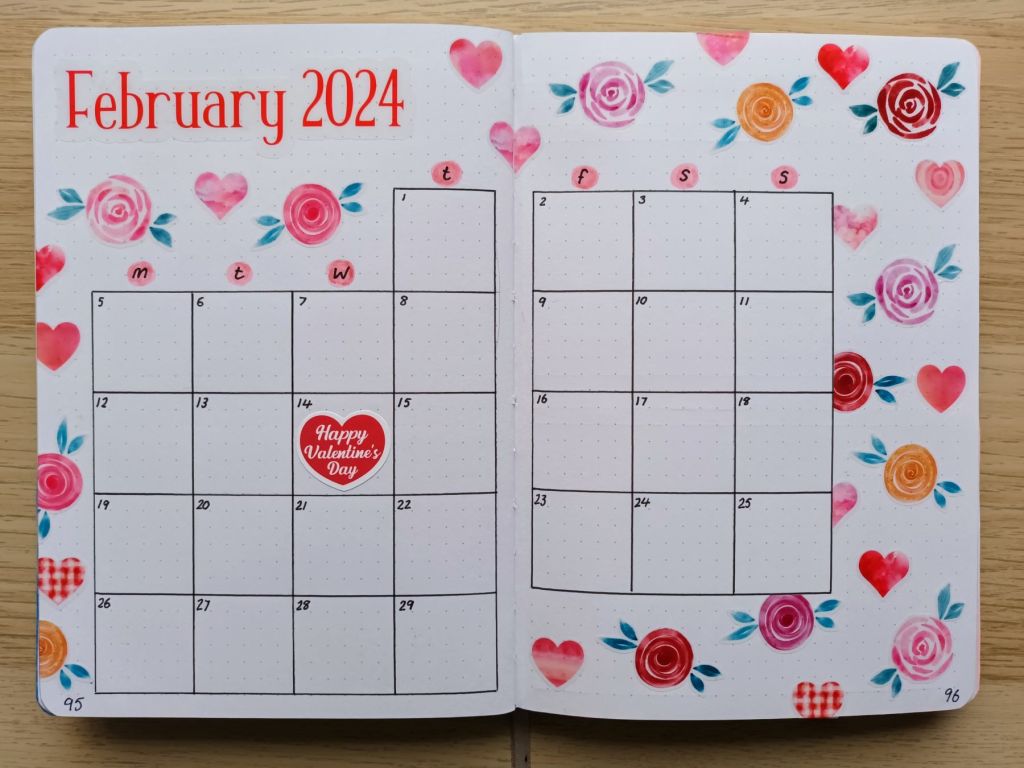
The monthly calendar
When I popped to Hobbycraft the other week, they were having a 20% off Cricut consumables sale so I treated myself to some transparent sticker paper to use with my Cricut Joy Xtra. Unfortunately, when I got to the till, I discovered that the product I had chosen was one of the only items that wasn’t part of the offer – typically eh! Needless to say, I bought it anyway. I love how bright and colourful this double page turned out and it was super quick to create all of the stickers as both the roses and the hearts had a white border offset on them already!
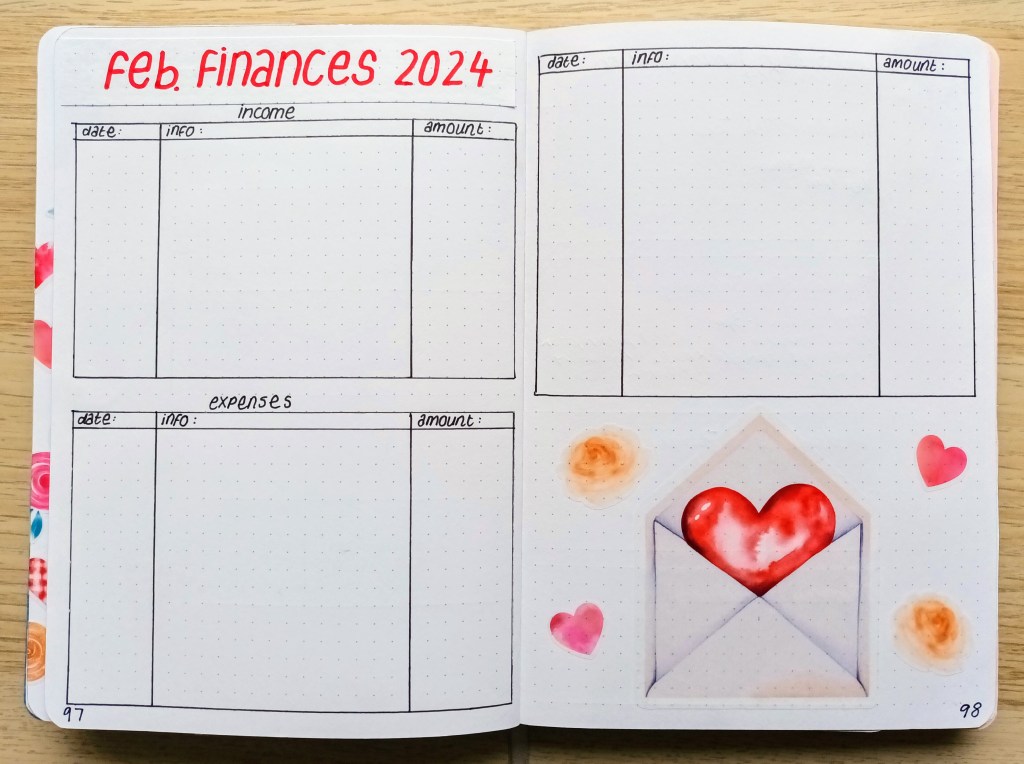
Finances record
I absolutely loved the watercolour heart envelope so I made it into a large sticker. Of course, it means that I’ll have to try not to have too many expenses for February or I’ll run out of room to record them!
Weeklies
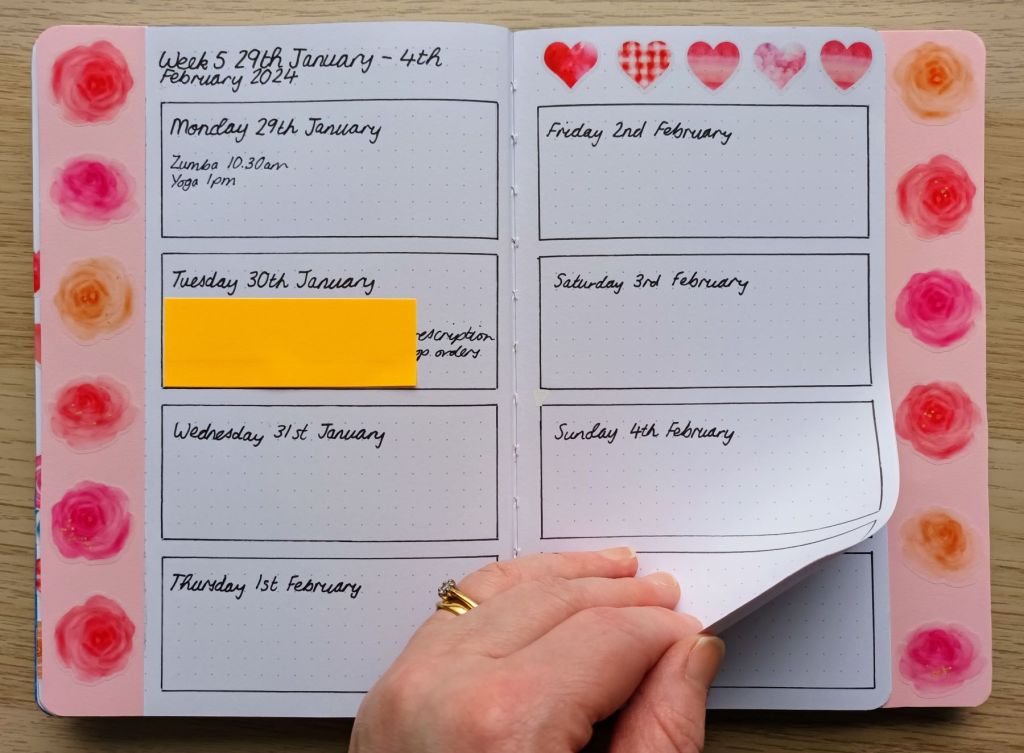
I opted for a Dutch door layout again this month but there was still plenty of room for the stickers I created. My daily events are recorded in the boxes on this double page and then overleaf, I have a running task list.
A Valentine’s mood board
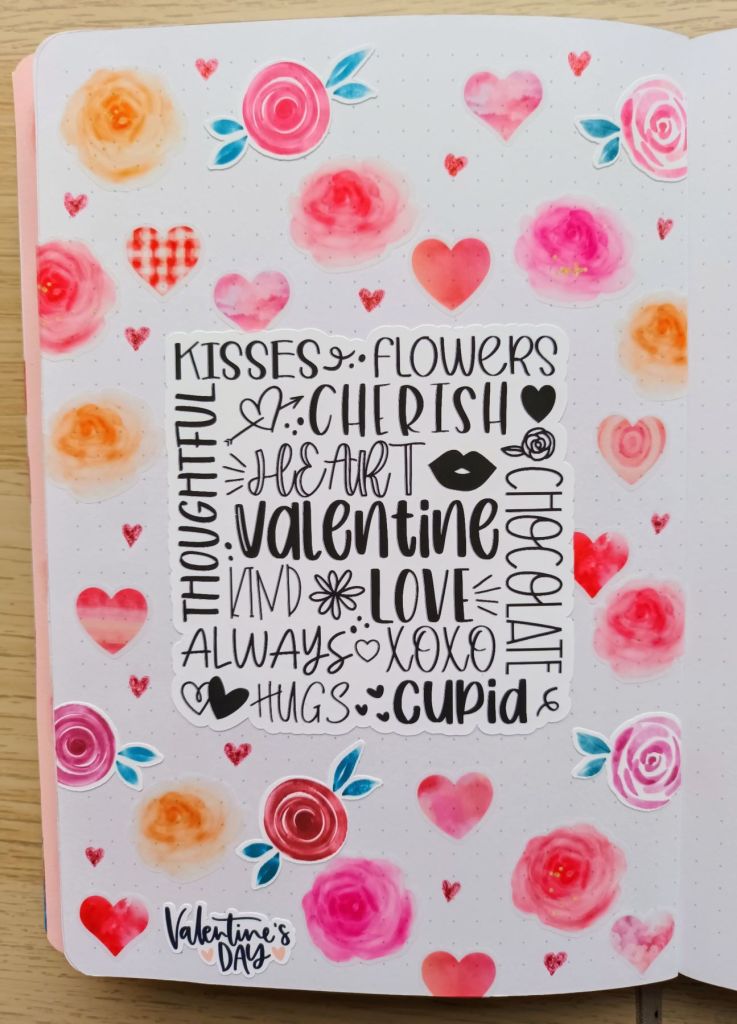
This is another decorative spread which I think turned out really nice. I found the middle image on Cricut Design Space but when I’d printed and cut it, I had no idea what do do with it! Then I though, I know, I’ll make a kind of mood board which makes me smile every time I see it.
Final words…
Thank you for taking the time to look at my bullet journal spreads for February. The pages took me quite a while to create, but I’m pleased with how they all turned out. I hope you like them too and they’ve given you some inspiration for your own BuJo.
Wishing you a happy and healthy February and a month filled with self love and kindness,

 Keeping it creative