Posted in Bullet journaling, goal setting, intentional living, lifestyle, planner girl, planner lifestyle, Setting goals and intentions, sticker making

My Winter 2024-25 Bucket List: Maximizing the Season’s Potential

I started creating seasonal bucket lists in autumn 2023 and earlier this year I shared a short guide to them in a blog post, where I discussed exactly what a bucket list is, the benefits of making one and some tips for deciding what to include so it is tailor made to you. Over the last week, I’ve been working on my winter 2024/5 bucket list and it’s quite different to my previous winter season one which I’m really pleased about because I want to make sure I plan new opportunities for myself and my husband.

Today, I’m sharing the two page spread I created in my bullet journal where I add the bucket list items, small illustrative stickers to go with each and a few snowflakes and sparkles to fill the gaps. Although it was quite time consuming, I had so much fun making most of the stickers using Cricut Design Space, my Cricut Joy Xtra and a couple of sheets of matte sticker paper and then planning their positions over thew two pages with an icy blue background. I also found a few extra tiny stickers in my mini Carpe Diem ‘Season’s sticker book.

My finished bucket list pages
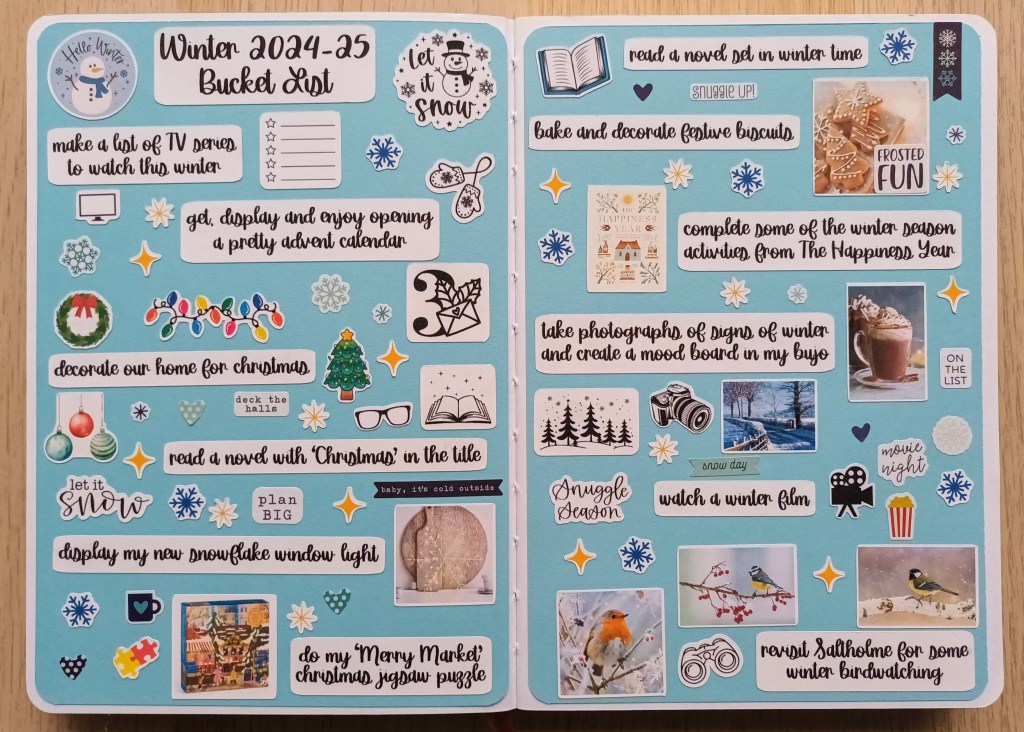
Photo credit: Laura Jones for Keeping It Creative

I think the result is so aesthetically pleasing that I’ll be sure to keep checking in with pages, selecting goals for each of the winter months (obviously doing the Christmas ones in December), then deciding on one or two to complete or start to work on for each week across the season. As I finish them, I’ll be adding little tick stickers that I also made with my Cricut Joy Xtra.

Final words…

Creating a seasonal bucket list is a great way to maximize the potential of the coming months and it’s so much fun too. As you can see, I love getting creative with mine in my bullet journal but you could simply make a list and tape it to your fridge or add your own cute little doodles to show what you want to achieve.

And, if you don’t achieve it all, it doesn’t matter. You may find that your priorities change or that other opportunities present themselves that you want to do instead. You might run out of time or decide that you simply don’t want to do one or more of the items. For example, I had on my list for this season to create an autumnal quote page in my bullet journal with hand drawn elements, but, by the third week of November, I’ve still not done it and it seems pointless to spend the time drafting one out and decorating it when my focus in now on winter and what I want to do over the next three months.

I hope that seeing my bucket list for this winter has inspired you to have a go at creating your own. You’re quite welcome to use some of my ideas if you have similar interests to me and Pinterest has a good number of lists too, but I recommend taking your time and really thinking about what you love about the season, activities you’ve done before and want to make time for again, or things you’ve always wanted to try, either on your own or with loved ones. Let me know in the comments what your top three are!

Wishing you a fun filled winter season,

Posted in bullet journal, Bullet journaling, creativity, planner girl, planner lifestyle, Planning and journaling, sticker making

Setting up my Bullet Journal for June 2024: Butterflies theme

Last night, having completed all of my spreads for next month, I had a vague recollection that I’d done a butterfly theme in my bullet journal once before. I searched my blog (much quicker than flicking through all of my BuJos) and discovered that I had indeed, back in June 2021, chosen butterflies. However, the pages are quite different today, even though I have stuck with the same calendar layout as this size is perfect for my needs. Whereas last time, I painted and drew outlined butterflies, this time I’ve made use of my Cricut machine and my favourite coloured pencils. I love how my spreads have turned out and I really enjoyed making them.

The front cover

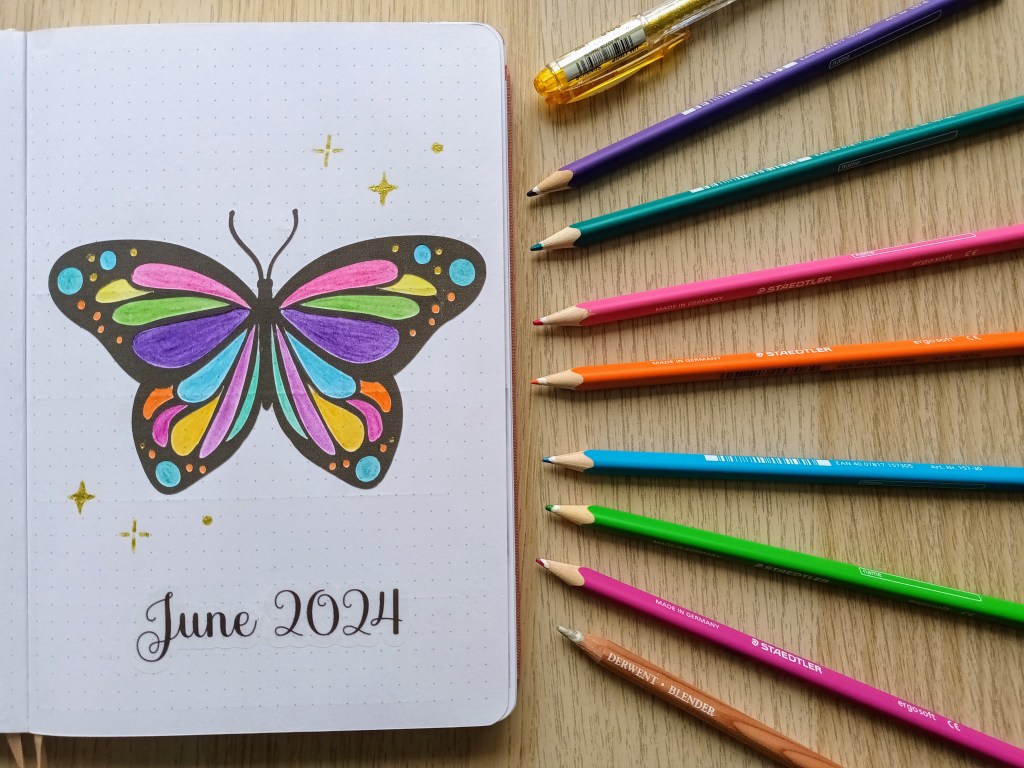
For the front cover, I wanted to create a perfectly symmetrical butterfly outlined in black and shaded in using bright colours. I debated using paint and folded paper like we used to do at school but then I had the idea of printing and cutting an image in Cricut Design Space using sticker paper and then colouring in the interior shapes with Staedtler Ergosoft pencils. I used the add bleed feature when printing so as to ensure the outline was precise and it turned out really well. The tricky bit was peeling the shape from the backing and sticking it down straight and without wrinkles.

To ensure smooth colouring, I blended using a Derwent blending pencil. I also had to be careful to get into the edges of the cut shapes so there was no white space left. After finishing the butterfly, I couldn’t resist adding some gold sparkles using one of my Uniball Signo pens.

Photo credit: Laura Jones for Keeping It Creative

Monthly calendar

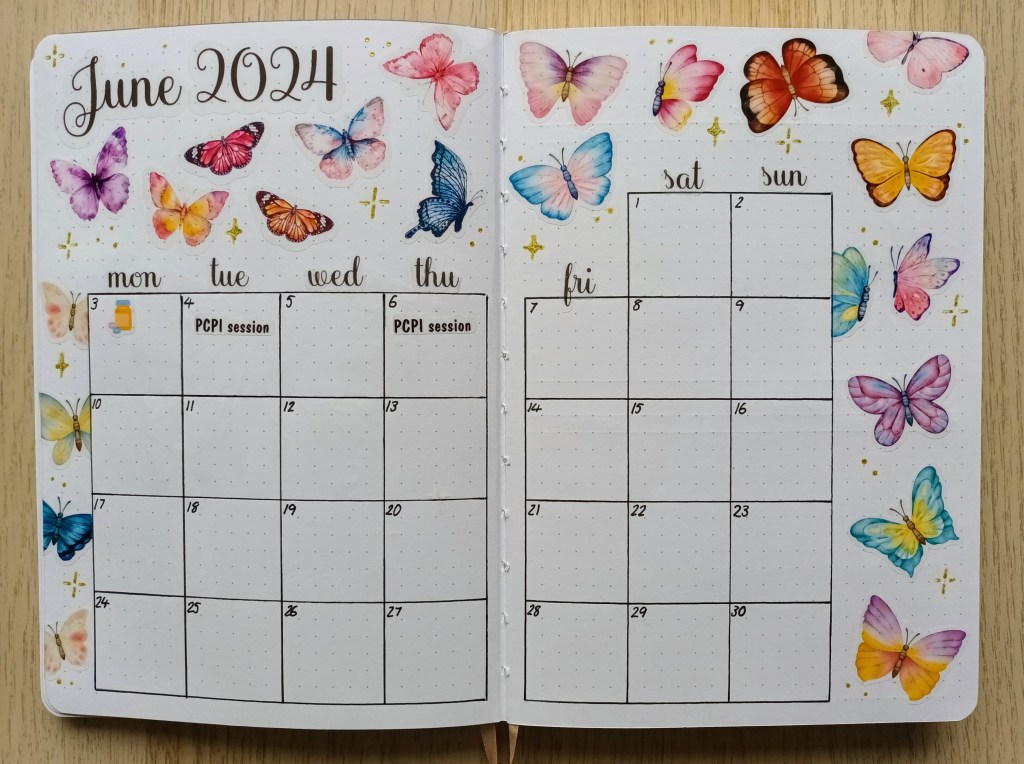
My calendar uses a combination of Canva Pro and Cricut Design Space. These were printed and cut on transparent vinyl. I also used Design Space fonts to create the title for both the front cover and this spread and the days of the week headers. More sparkles were added using the gold gel pen.

Photo credit: Laura Jones for Keeping It Creative

Finances record

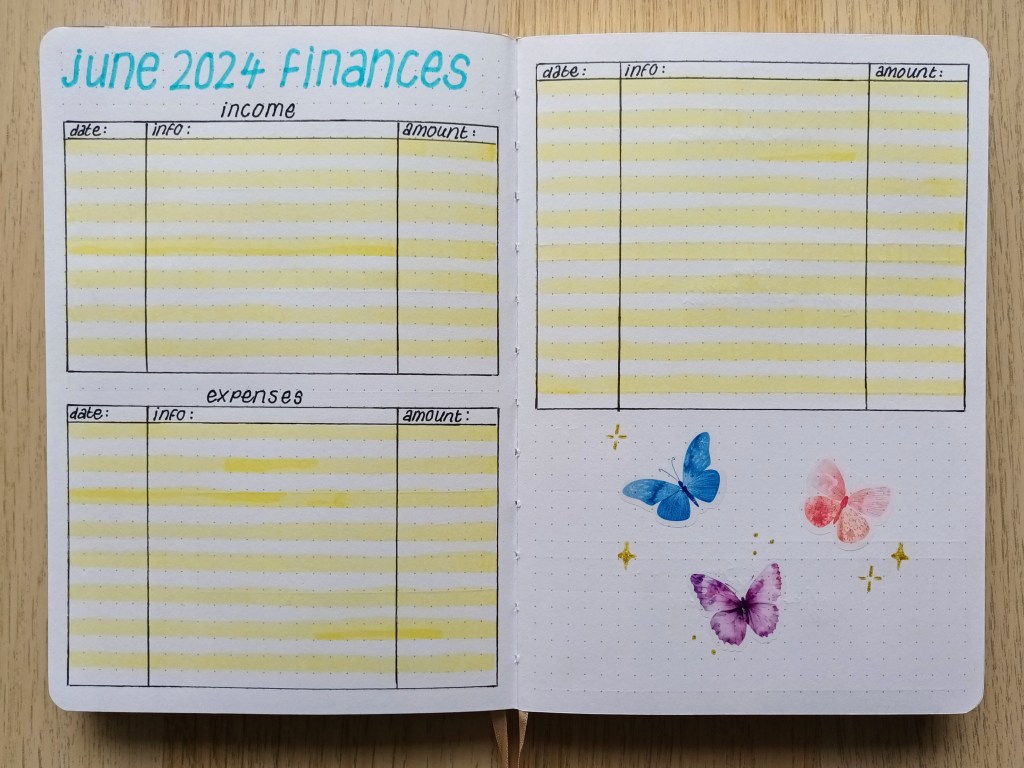
Again, I used stickers and gold sparkles to decorate the bottom of my finances record so it’s in keeping with the rest of my pages.

Photo credit: Laura Jones for Keeping It Creative

First weekly spread

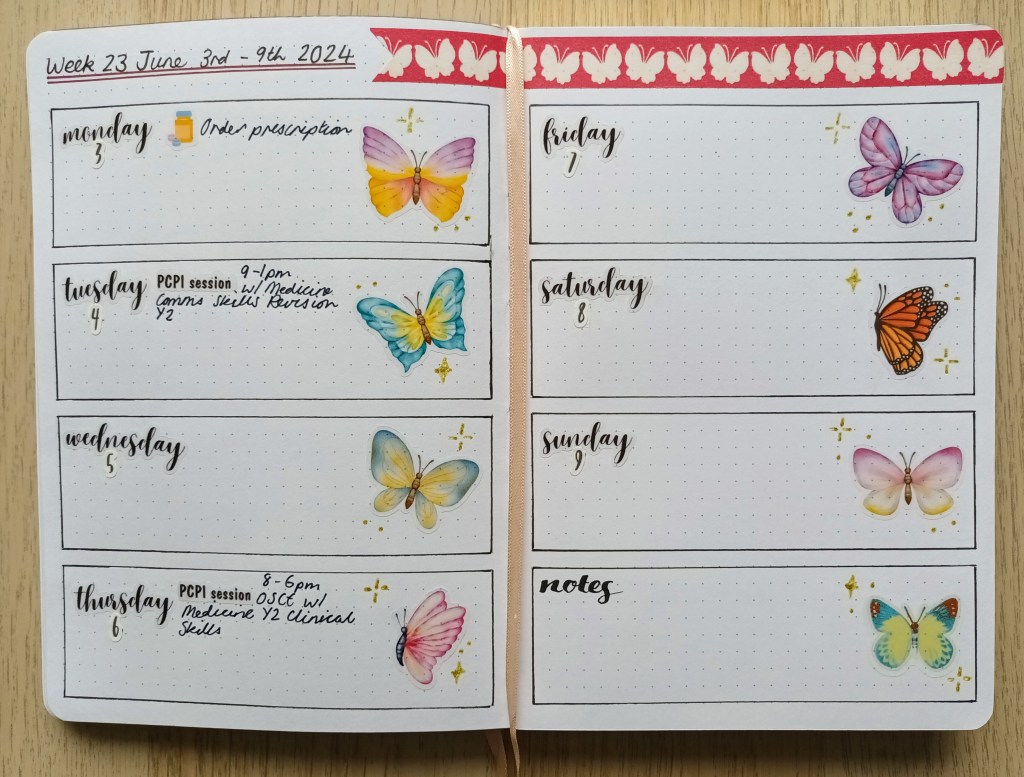
I’ve been using this layout for a while now and it provides just enough space for events and a couple of day specific to-dos. This month, I’ve decided to use some days of the week stickers I’ve had for a while, plus some tiny number stickers. Unfortunately the digits don’t quite match the words because I couldn’t find the font that was used for the days which was a pre-produced file on Design Space. I found some butterfly washi in my stash which finishes the page nicely and was much quicker to add than creating a repeating pattern sticker like I did last month.

Photo credit: Laura Jones for Keeping It Creative

Final words…

Thank you for visiting my blog to look at my spreads for June. I enjoyed using stickers again to set up my pages and it made it slightly quicker to do than trying to draw and colour lots of symmetrical butterflies. It does take a while to find the images I want though and then I have to turn them into print and cut images, resize them and add offsets to each one. Also, there seems to be some issue with Design Space each time I use it but I guess that’s one of the joys of technology!

Wishing you a happy and healthy June and lets hope the weather starts to improve soon (especially as I want to wear my new pairs of shorts I’ve bought for our Wales holiday),

Posted in bullet journal, Bullet journaling, creativity, Cricut, Planning and journaling, sticker making

Setting up my Bullet Journal for March 2024: Spring / Easter theme

As Easter falls at the end of March this year, I decided to do an Easter theme for my bullet journal with some Spring elements. I made a list of words associated with both (decorated eggs, chicks, bunnies, tulips, daffodils etc.) and then searched for images on Design Space which I could use to decorate my spreads. I added lots of images to my canvas and used the sticker making function to create a set of kiss cut stickers on a transparent background. I hope you like my pages as much as I do.

Cover page

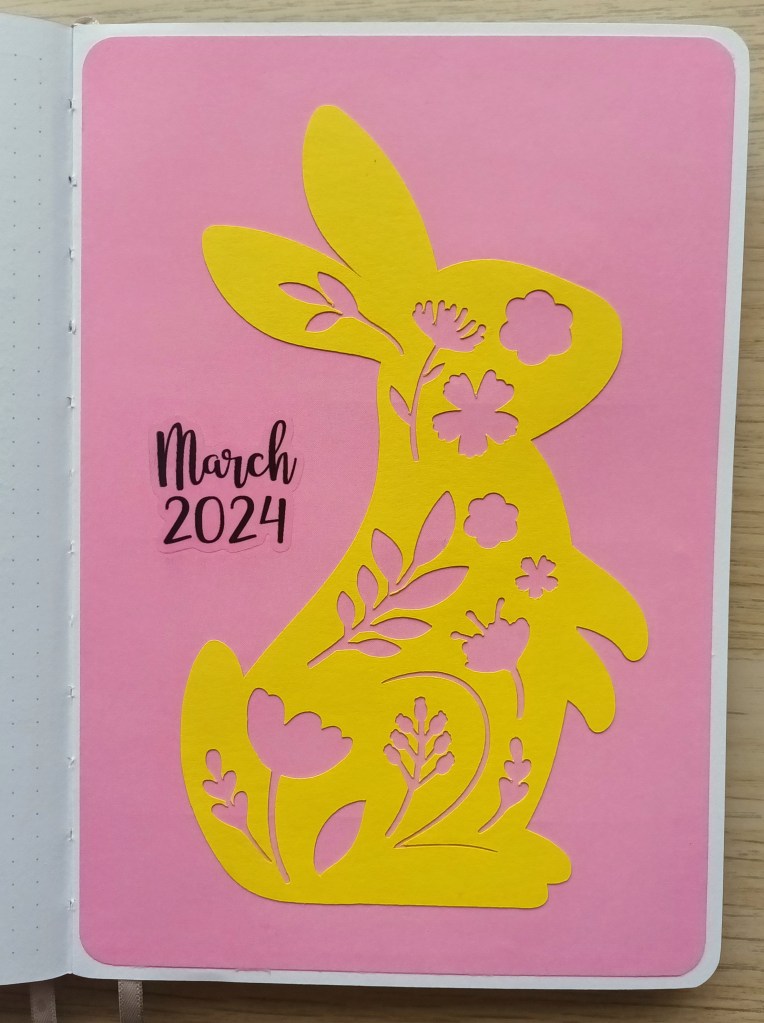
As I was searching Cricut Design Space for Easter bunnies to use as stickers, I found this cute cut file of a yellow rabbit with flowers and leaves cut from the body. I had some bright yellow cardstock which was perfect as it was relatively thin and wouldn’t add too much bulk in my BuJo. It took me four attempts to get it to work out well as it was quite delicate but I got there in the end! When I placed it on the page, I felt like something was missing so I experimented with placing different coloured papers behind the image and thought this pink colour created a nice contrast.

Photo credit: Laura Jones for Keeping It Creative

The calendar pages

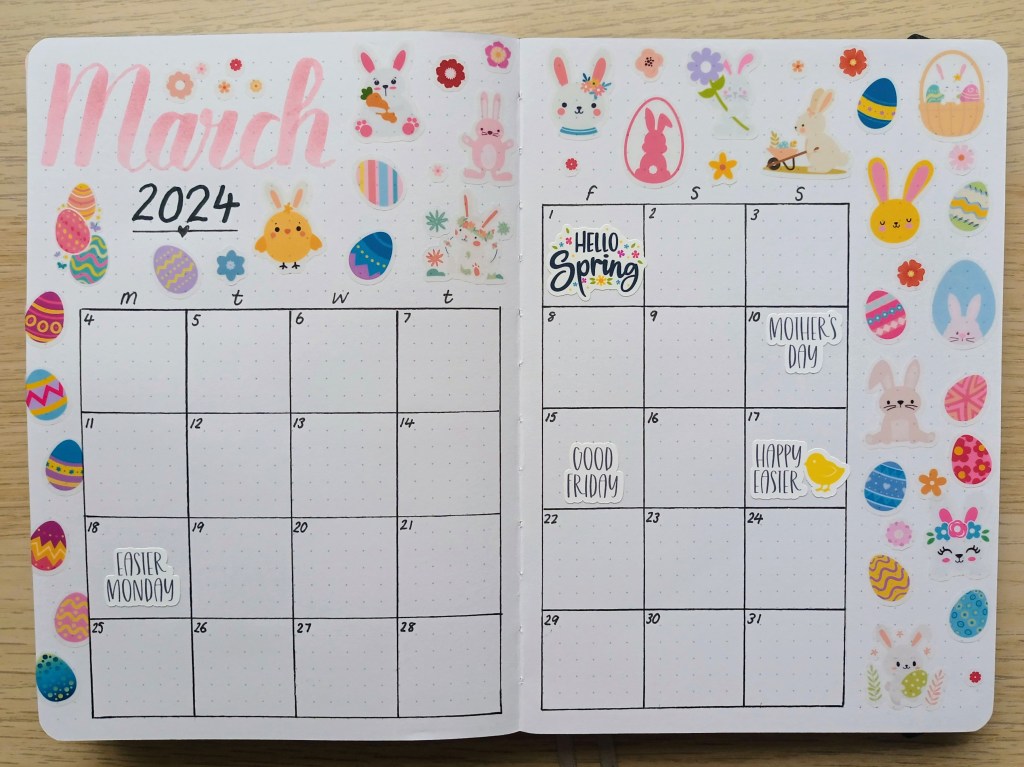
I had great fun making tons of stickers in Cricut Design Space but, unfortunately had lots of issues with the program printing a black line around each of the images. It was so frustrating and I ended up having to bin lots of transparent sticker papers which was costly and such a waste. I resorted to contacting Cricut about it who were very helpful but the problem hasn’t been fixed properly yet.

Anyway, I persevered and I love how the stickers and my pages turned out.

Photo credit: Laura Jones for Keeping It Creative

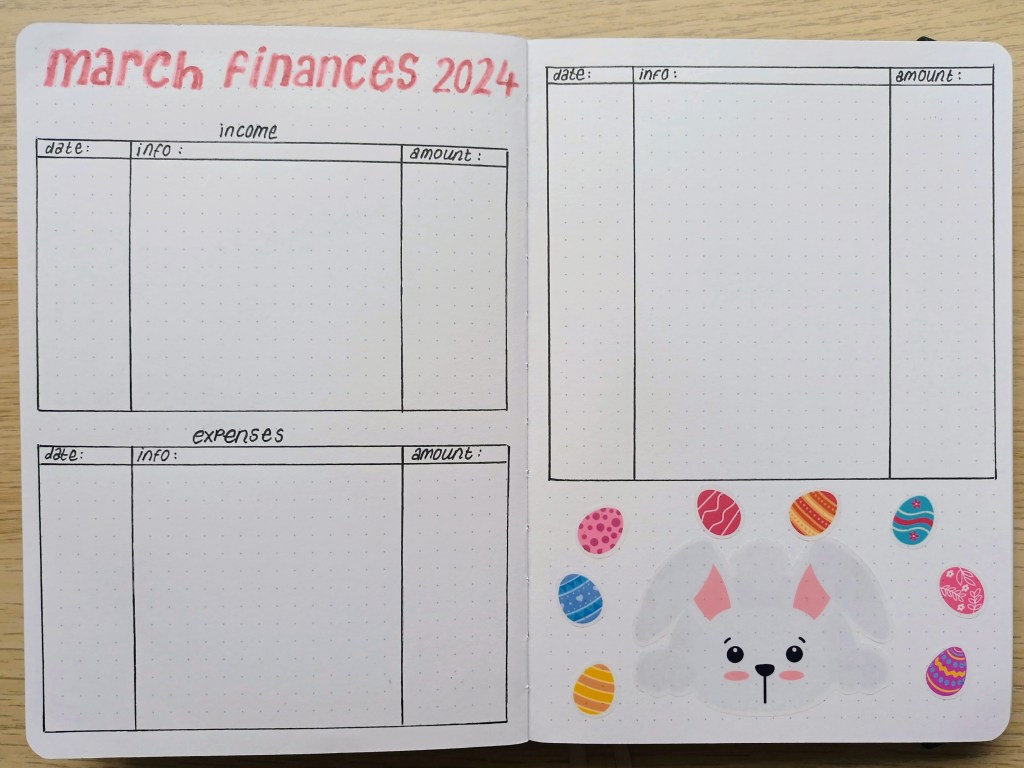
Finances pages

This is my usual income and expenditure record set up with a cute bit of decoration at the bottom. I’m enjoying using the transparent sticker paper but I have a feeling that Cricut are no longer making it as many of the branches of Hobbycraft are out of stock.

Photo credit: Laura Jones for Keeping It Creative

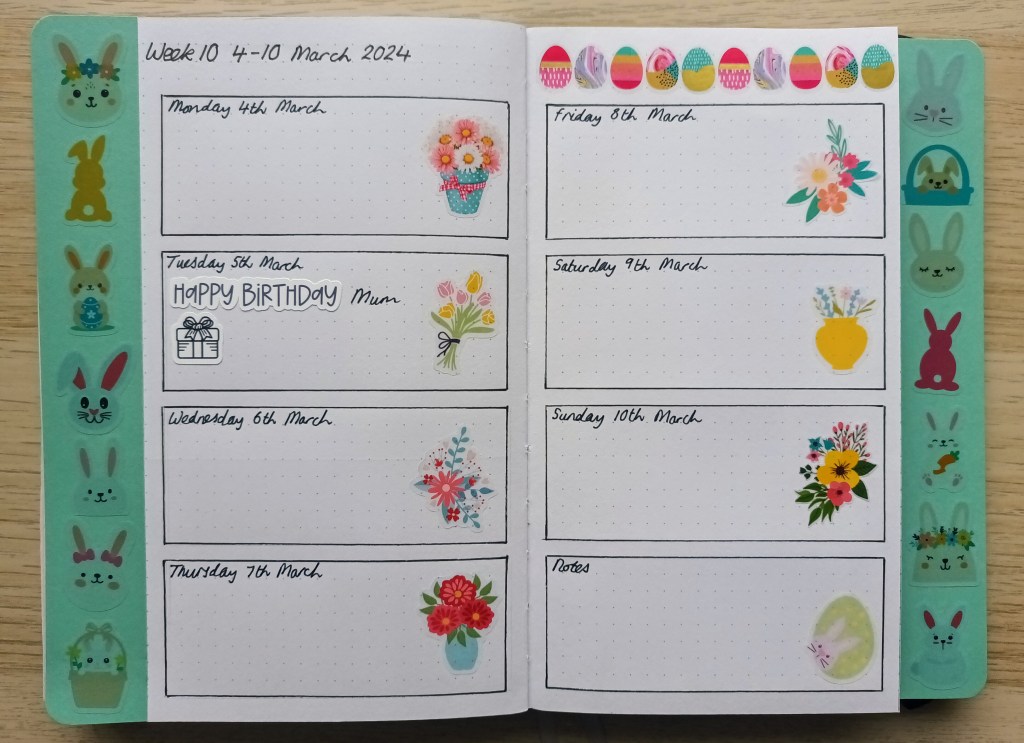
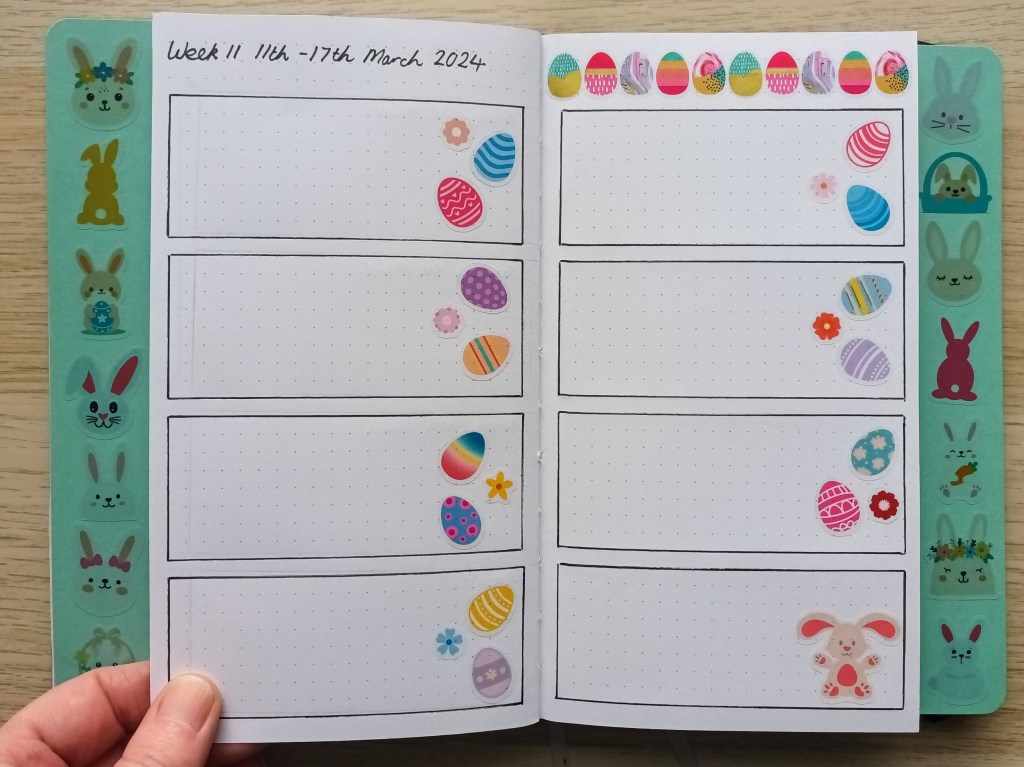
Weekly plans

Again, I’ve used a simple Dutch Door set up for my weeklies this month. I couldn’t resist adding more stickers to the days though! The decorative eggs along the top are actually a roll of sticker tape from Hobbycraft. Some of them have gold foil on them but the camera hasn’t picked it up.

Photo credit: Laura Jones for Keeping It Creative

I haven’t finished setting up the last two weeklies but I have added the stickers and used Easter chicks for the third week (some real photograph style and others cartoon style) and Easter baskets and Spring blooms for the final week.

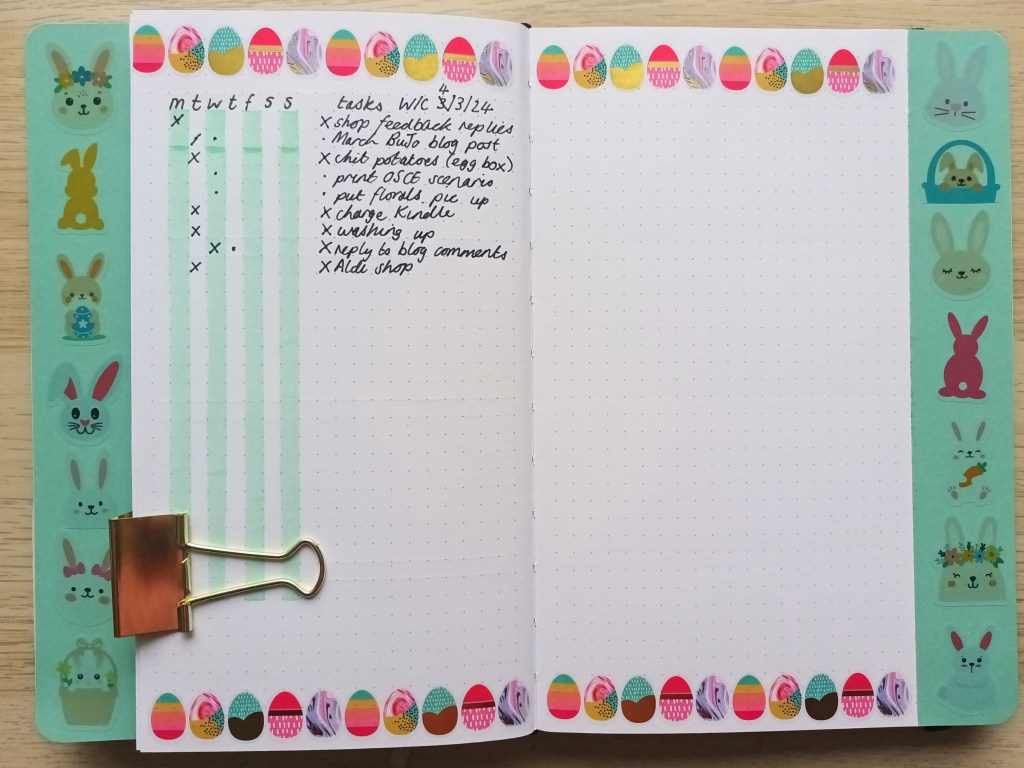
Weekly running task list

I’m not sure if I’ve shared my running task lists before but it something I use each week. I add to the list daily and assign tasks to a day of the week or multiple days for longer tasks. This month, I’ve put all of the weekly calendars together and the task lists afterwards but sometimes I’ll put them together. I use the two ribbon bookmarks to mark the pages for easy access.

Photo credit: Laura Jones for Keeping It Creative

Final words…

That’s all of my pages for this month and I’m super happy with how they turned out. I’ve just signed up for another free trial of Canva Pro so I can’t wait to make more stickers using images on there. Although Cricut Design Space has some lovely images, there are some even nicer ones on Canva Pro.

Wishing you a wonderful March filled with lots of lovely Springtime activities,